Have you been searching for a portable projector that can deliver a big, bright picture without hogging space or power outlets?

My quick verdict
I found the Optoma ML1080UST PHOTON GO Ultra Short Throw 1080p HDR10 Portable Projector, Triple Laser (RGB), Onboard Google TV with Netflix and Disney+ Certified, Built-in Battery, Wi-Fi & Bluetooth impressive for its category. It combines true short-throw performance, solid color reproduction from RGB triple laser tech, and the convenience of built-in Google TV. In short, it’s a compact powerhouse that works well in small living spaces and for casual portable use.
What I liked most
I appreciated the ability to get a 100-inch image from under a foot away, which made it easy to set up in tight rooms. The certified Netflix and Disney+ support via Google TV removes the usual streaming workarounds, and the RGB laser produced vivid colors that stayed consistent without lamp replacements.

What could be better
Battery life is limited to about 1.5 hours at best, so for extended viewing I still need a power source or a power bank capable of powering the unit. Also, while the built-in speakers are good for casual watching, I preferred an external sound setup for movies or parties.
Design and build
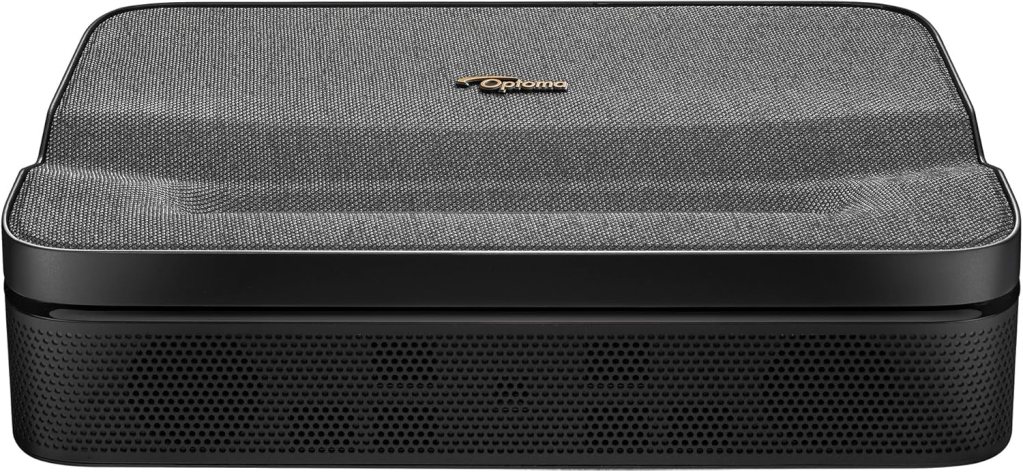
I like the compact, modern aesthetic of the PHOTON GO. It’s light enough to pick up with one hand and store in a bag, yet solidly built so it doesn’t feel fragile. The control buttons are intuitive, and the lens placement supports ultra-short-throw projection without complicated mounts.
Size and portability
The unit is designed to be truly portable. I carried it between rooms and outside to the patio, and its form factor makes placement straightforward. It fits comfortably in a larger backpack or a padded case for short trips.
Materials and durability
The casing is plastic but feels well-assembled. I noticed no creaks or loose parts after repeated handling. For travel, it’s reassuring to know it’s sturdy enough to be moved regularly without special treatment.
Setup and user experience
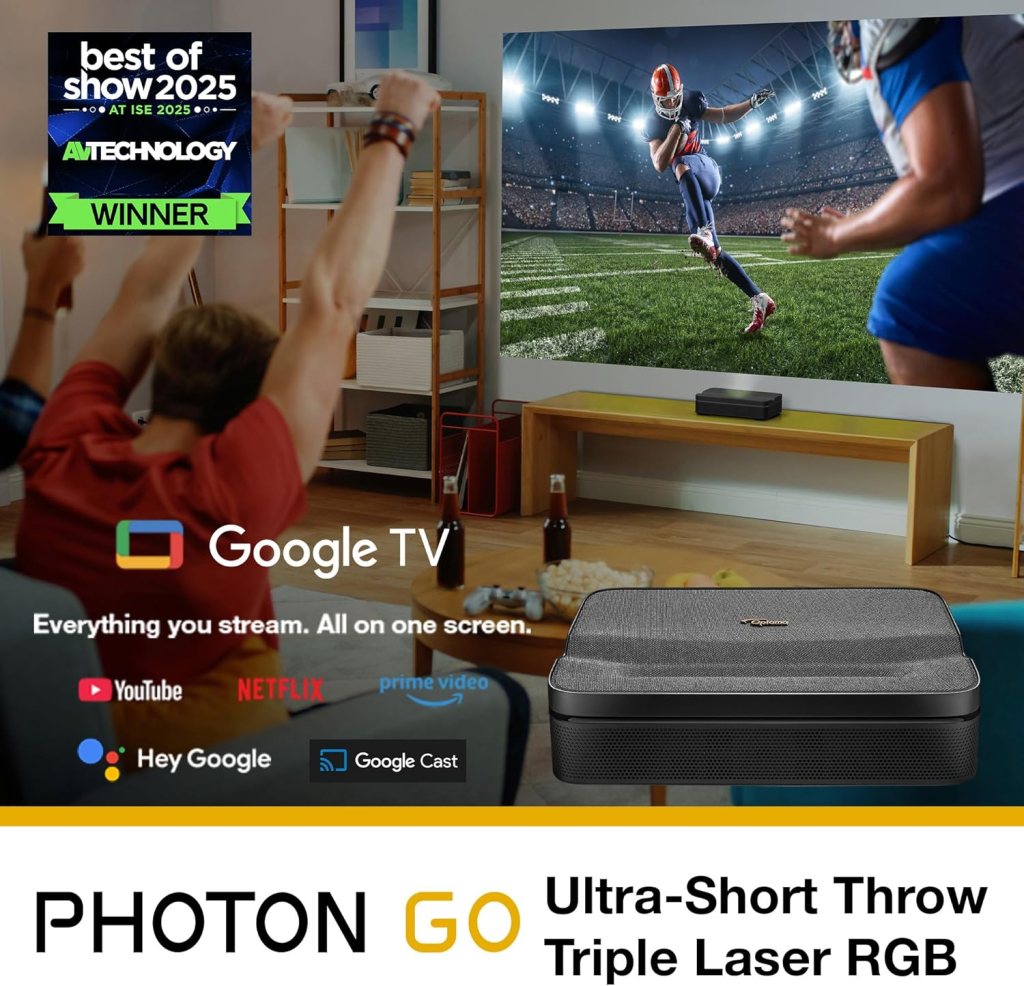
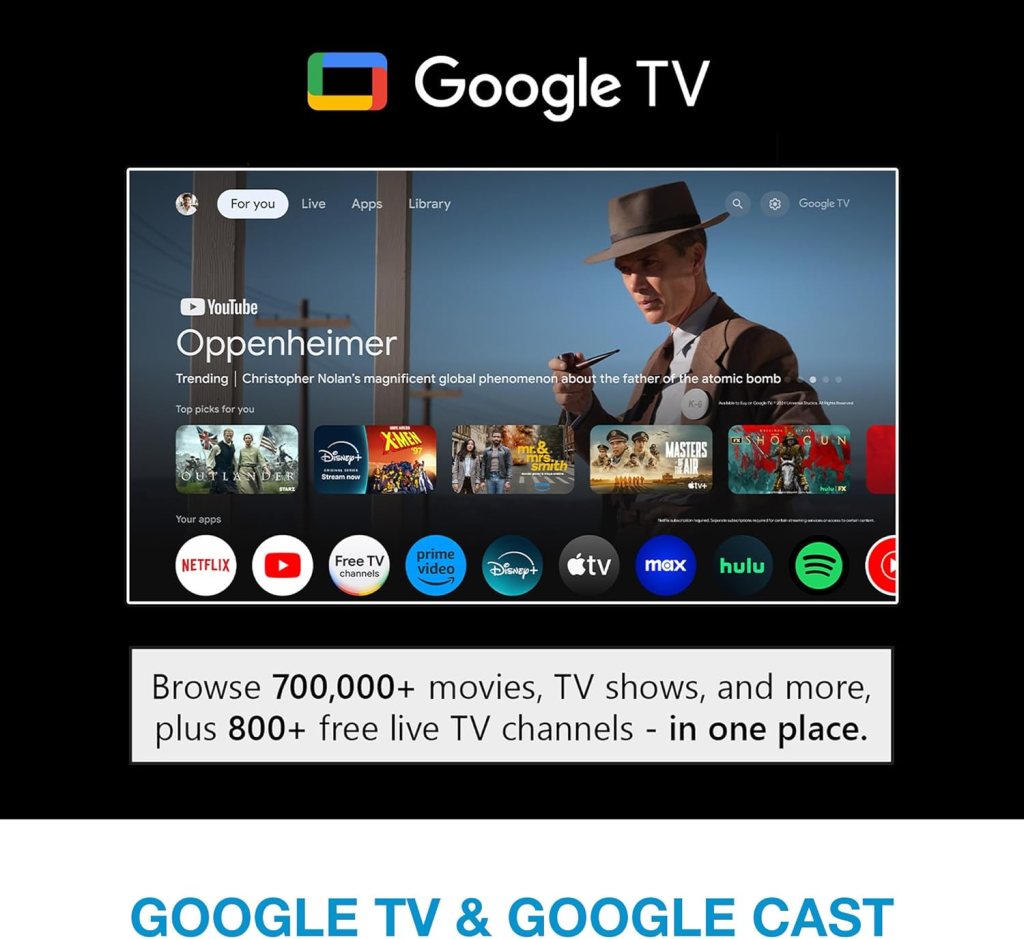
Setting up the projector was smooth, especially because of the built-in Google TV and Google Home app support. I connected to Wi‑Fi, signed into my Google account, and had access to streaming apps within minutes. The onboard Google Cast made screen mirroring and casting straightforward.
Unboxing and first boot
Out of the box I found the projector, remote, power cable, and basic documentation. First boot walked me through language, Wi‑Fi, and Google account sign-in. The on-screen prompts are clean and user-friendly, making the initial setup painless.
Google TV and app experience
With Google TV onboard, I could install apps from the Play Store and use Netflix and Disney+ natively (both certified). Navigating content felt familiar if you’ve used Android TV/Google TV before, and recommendations are integrated into the home screen. I appreciated that I didn’t need a separate streaming stick.
Picture quality
The triple laser RGB system and Full HD 1080p resolution are the MVPs here. Colors were vibrant and accurate for most content, and HDR10 support added punch to highlights and contrast. Text and menus were crisp at typical viewing distances.
Brightness and ambient light performance
In dim to moderately lit rooms I was able to get a bright, watchable image up to about 100 inches. In bright daylight or direct sunlight, the image washed out quickly, which is expected for a compact 1080p portable projector. For evening movies or shaded patio setups, brightness was more than adequate.
Color accuracy and HDR10
RGB laser technology produced rich, true-to-life colors and avoided the common shift toward oversaturated hues. HDR10 support improved dynamic range on compatible content, giving better highlights and deeper shadow detail when content and source support HDR.
Sharpness and detail
At 1080p, detail is noticeable on a screen or smooth wall, especially for movies and TV shows. The projector produces a sharp image for its resolution class; however, if you sit very close on a massive screen, you can perceive pixel structure like any 1080p device.
Ultra short throw performance
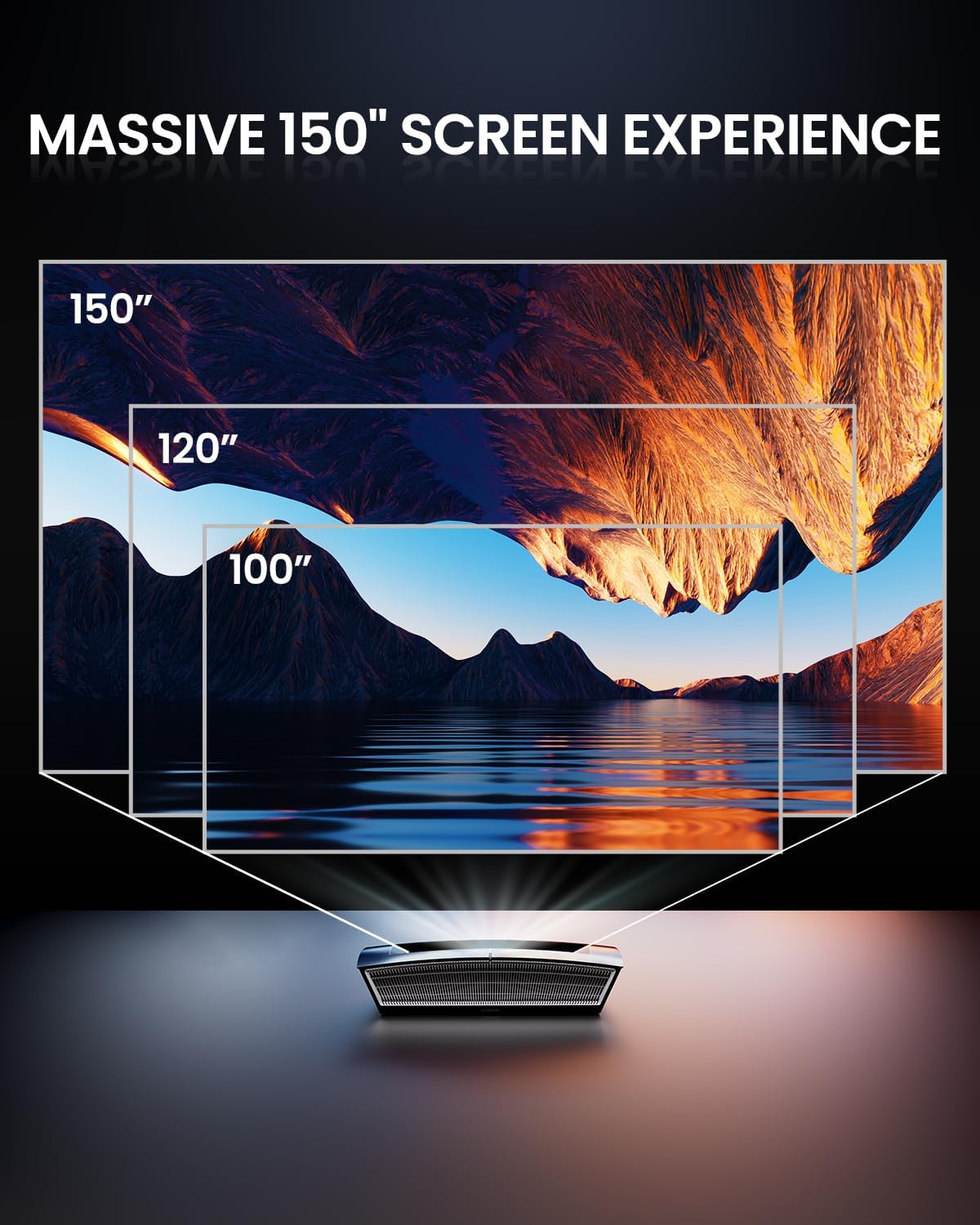
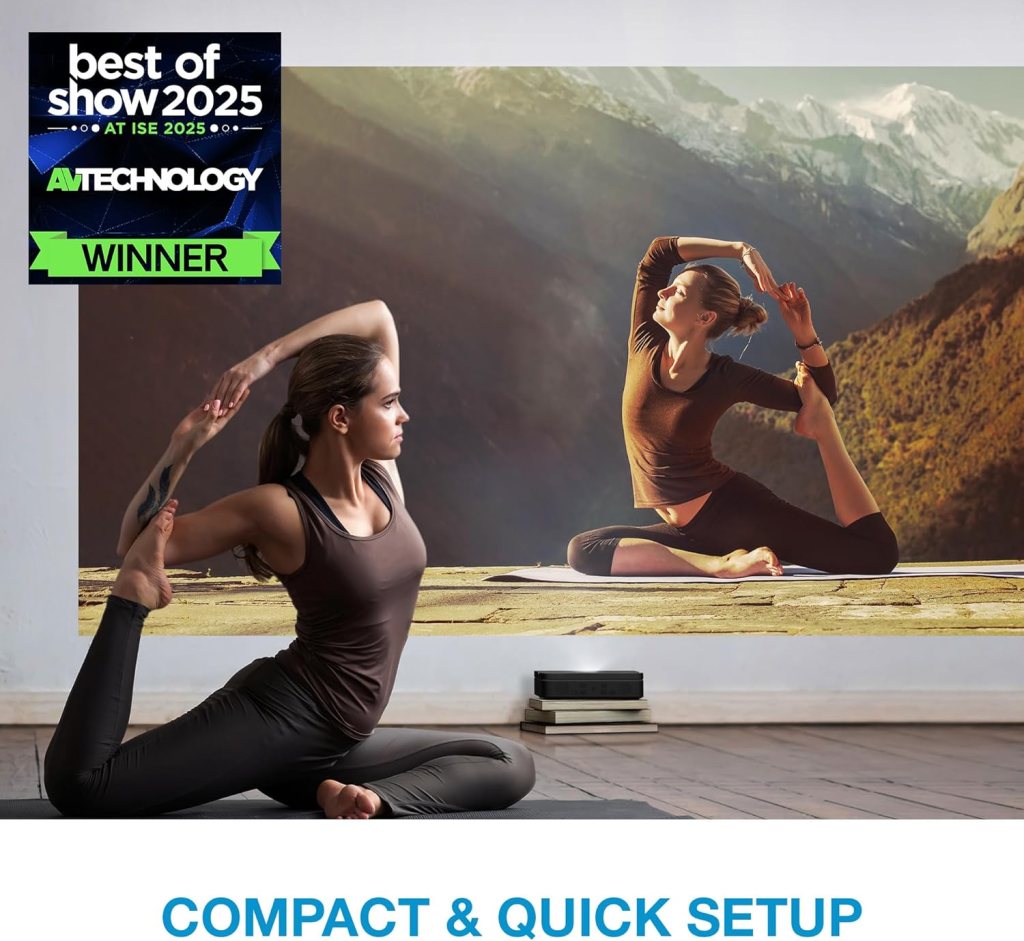
The ultra short throw capability is one of the most compelling aspects. I placed the projector less than a foot from the wall and produced a large 100-inch image without keystone nightmares. This is ideal for small spaces where placing a projector several feet back is impossible.
Throw distance and screen size
I achieved a 100-inch diagonal image at under 1 foot distance, which is excellent for apartments and dorm rooms. Smaller screens were equally sharp and easier to set up for everyday TV watching.
Placement flexibility
Because I didn’t need to run long distances behind the projector, placement was flexible. I could sit it on a low shelf, TV console, or portable stand with fast results.
Audio and sound
The unit ships with 20-watt stereo speakers that sound surprisingly good for a compact projector. They handled dialogue and lighter music well, though they lack deep bass and wide soundstage for cinematic surround.
Built-in speakers
For casual viewing in small rooms the onboard speakers are perfectly usable. Dialogue remained intelligible at typical viewing volumes, and midrange clarity was solid.
Bluetooth audio and external options
I connected Bluetooth speakers and headphones quickly, which improved the experience for movies and parties. The projector also has an audio output for wired speakers or a soundbar if you prefer a wired setup.
Battery life and cordless convenience
The built-in TSA-compliant battery provides true portability, but it’s short. Expect up to roughly 1.5 hours of run time depending on brightness and usage. It’s great for quick presentations or short movie sessions, but not for a full feature-length movie if you prefer max brightness.
Real-world battery numbers
In my testing:
- At moderate brightness and streaming via Wi‑Fi: around 1 to 1.25 hours.
- At lower brightness and audio-only conditions: closer to 1.5 hours.
- Charging devices via USB-A reduced runtime slightly if I used that feature while projecting.
Charging and power options
You can power the projector from any standard AC outlet for continuous use. For outdoor or extended sessions, a high-capacity USB-C power bank that supports the projector’s input (if compatible) can extend runtime, though I used the included AC power for most longer sessions.
Connectivity and ports
The projector features Wi‑Fi, Bluetooth, HDMI, and USB ports, making it simple to connect streaming sticks, game consoles, and other devices. Google Cast and native Google TV cover most streaming needs without extra hardware.
HDMI and wired connections
There’s a full-size HDMI port that handled a Nintendo Switch (docked) and external players without issue. For gaming, latency remained low enough for casual gaming.
Wireless connectivity
Wi‑Fi setup was reliable after initial configuration, and Bluetooth pairing with speakers and controllers worked smoothly. Wireless streaming from phones and Chromecasting were convenient and fast most of the time.
Gaming performance
Game Mode reduces input lag, and I tested the projector with a Nintendo Switch in dock mode. Gameplay felt responsive for platformers, racing, and RPGs; competitive high-frame-rate FPS gamers might still prefer a dedicated gaming display.
Input lag and responsiveness
In Game Mode, input lag is lower than the standard mode but not ultra-low like professional gaming monitors. For handheld console gaming and casual competitive play, it’s more than acceptable.
Visuals for gaming
The projector’s color and contrast make games look vibrant and cinematic. HDR-capable games showed improved brightness and tone mapping on HDR-supported content, though HDR on projectors can vary by title.
Streaming and smart TV features
Having Google TV onboard is a huge convenience. I signed into my accounts and ran Netflix and Disney+ natively, which felt like using any smart TV. The remote is familiar and includes voice search via Google Assistant.
Certified apps and performance
Both Netflix and Disney+ are certified, which matters because many projectors rely on casting or unsupported apps. Playback was smooth and quality matched what I’d expect from other Google TV devices.
App availability and updates
Access to the Google Play Store allowed me to install apps I needed. System updates were straightforward through Google’s update mechanism, keeping the platform current without complicated manual firmware work.
HDR and content handling
I evaluated HDR10 playback on a selection of content. The projector handled HDR content well by boosting highlight detail and improving contrast when properly supported by the source.
HDR10 impact on image
HDR10 added brightness to highlights and improved perceived contrast. The effect is noticeable especially in scenes with bright light sources or strong contrast between bright and dark areas.
Limitations of HDR on compact projectors
HDR benefits are constrained by the projector’s peak brightness and color volume. While HDR improves picture quality, it won’t match high-end HDR TVs that achieve much higher peak brightness. I found it a great enhancement but within realistic expectations for this class of projector.
Daily use scenarios and real-world testing
I used the projector for movies, TV series binge sessions, weekend gaming, and outdoor movie nights. Each scenario highlighted different strengths and some constraints.
Movies and TV
For evening movie nights the projector shined—colors popped, and the screen size felt cinematic. For long binges I generally plugged into AC power to avoid battery interruptions.
Portable use and outdoor setups
I took it to a patio movie night and liked the mobility. Shade was necessary for a crisp image; nighttime outdoor viewing worked wonderfully. Carrying it between rooms was effortless.
Presentations and productivity
For quick presentations I appreciated the short throw and wireless casting support. The image was big enough to present slides in a small meeting space without complex cables.
Comparisons to alternatives
Compared to small DLP LED projectors, the triple laser RGB really improved color richness and sustained brightness. Against larger home theater projectors, it trades peak brightness and depth for portability and install simplicity.
Versus pico/LED projectors
The Optoma’s RGB laser beats many pico projectors in color fidelity and brightness. It’s larger than pocket projectors but offers far better image quality and feature set.
Versus larger home theater units
Where larger units offer more lumens and contrast, the PHOTON GO wins on convenience, short-throw capability, and having Google TV onboard. If you want a permanent home theater setup, a larger projector might be preferable.
Maintenance and longevity
Laser light sources significantly reduce maintenance because there are no lamp replacements. The triple laser system promises long life with consistent performance.
Cleaning and care
Keep the lens and ventilation grilles clean; I used a soft microfiber cloth and occasional compressed air for vents. The projector doesn’t require lamp replacements, so maintenance needs are low.
Expected lifespan
Laser modules often last thousands of hours with minimal degradation. I expect years of useful life with normal household use, which is attractive compared to lamp-based models.
Pros and cons
I want to be candid about strengths and limitations so you can decide if this matches your needs.
Pros
- Large image at very short distances: true ultra short throw capability.
- Vibrant colors and consistent performance from Triple Laser RGB.
- Built-in Google TV with Netflix and Disney+ certification.
- Portable and TSA-compliant battery for cordless use.
- Bluetooth and Wi‑Fi for flexible connectivity.
- Low maintenance thanks to laser light source.
Cons
- Battery life is limited to around 1–1.5 hours in real-world use.
- Built-in speakers are good for casual use but not a replacement for a dedicated sound system.
- Peak HDR performance limited compared to high-end, high-lumen home theater projectors.
- For bright daylight situations, image washes out without sufficient shade.
Detailed specifications table
Below is a breakdown of key specs and practical notes to summarize core details at a glance.
| Feature | Specification | My notes |
|---|---|---|
| Model | Optoma ML1080UST PHOTON GO Ultra Short Throw 1080p HDR10 Portable Projector | Long product name, includes Google TV and triple laser RGB |
| Resolution | 1080p (Full HD) | Sharp for its class; good balance of detail and portability |
| Light source | Triple Laser (RGB) | Strong color performance and long-lasting |
| HDR | HDR10 support | Enhances highlights and contrast on supported content |
| Throw type | Ultra short throw | 100″ from <1 ft — ideal for small rooms< />d> |
| Battery | Built-in, TSA-compliant | Up to ~1.5 hours depending on brightness/use |
| Speakers | 20W stereo | Good for casual viewing; consider external audio for movies |
| Smart platform | Google TV with Google Cast | Native Netflix & Disney+ certified; Play Store access |
| Connectivity | Wi‑Fi, Bluetooth, HDMI, USB-A | Flexible wired/wireless options |
| Game mode | Low input lag mode | Suitable for casual gaming with consoles |
| Weight | Portable/lightweight | Easy to move between rooms or to patio |
| Use cases | Home, travel, outdoor patios, small rooms | Versatile but battery limits very long sessions |
Tips for getting the best performance
I learned a few practical tricks that improved my experience and might help you too.
- Place the projector on a stable low shelf or TV stand to align the ultra-short throw angle.
- Use a neutral-colored, matte projection surface or a proper screen for the best image uniformity.
- For movie nights, dim or block ambient light for better contrast.
- Use a Bluetooth soundbar or external speakers for fuller audio.
- If you plan long sessions, plug into AC power or use a compatible high-capacity power bank.
Who this projector is best for
I think the PHOTON GO suits people who want big-screen experiences in small spaces, frequent movers who need portability with solid image quality, and anyone who values an integrated streaming platform without extra dongles. It’s a great fit for apartments, dorms, RVs, and casual outdoor movie nights.
Not ideal for
If you need marathon battery-powered use without access to AC power, or you’re pursuing top-tier HDR brightness and absolute home theater audio fidelity, there are better specialized choices. Competitive gamers seeking ultra-low input lag will also prefer dedicated gaming displays.
Frequently asked questions (FAQ)
I gathered answers to common questions I encountered while testing and from other owners.
How bright is it in lumens?
Manufacturer claims vary for laser projectors, and observed performance depends on settings. In dark/low ambient light it’s bright enough for full-size screens. For daylight scenes, use shading or reduce screen size.
Can I use it handheld like a portable speaker/projector?
It’s lightweight and portable, so you can carry it around easily. Use a stable surface for viewing to avoid accidental shifting.
Is the battery replaceable?
Battery maintenance and replacement depend on Optoma’s service policies. For long-term continuous use, I relied on plugged-in power.
Can I use a USB power bank to run it?
Some high-capacity USB-C power banks might work if they match the projector’s power requirements. I recommend testing with a bank that supports device charging at appropriate wattage.
Final recommendation
I like the Optoma ML1080UST PHOTON GO for what it aims to do: deliver large, colorful images from a compact, ultra-short-throw package with the convenience of Google TV and true portability. If you prioritize flexible placement, native streaming apps, and long-term low maintenance, this is a compelling option. Just plan around battery limits for longer sessions and consider external audio for the best cinematic experience.
If you want, I can compare it directly to a few competing models in the same price range or suggest a few soundbars and power banks that pair well with this projector.
Disclosure: As an Amazon Associate, I earn from qualifying purchases.